On this page
TL;DR
Webflow has no native recurring publishing. You would otherwise build a fresh schedule every time.
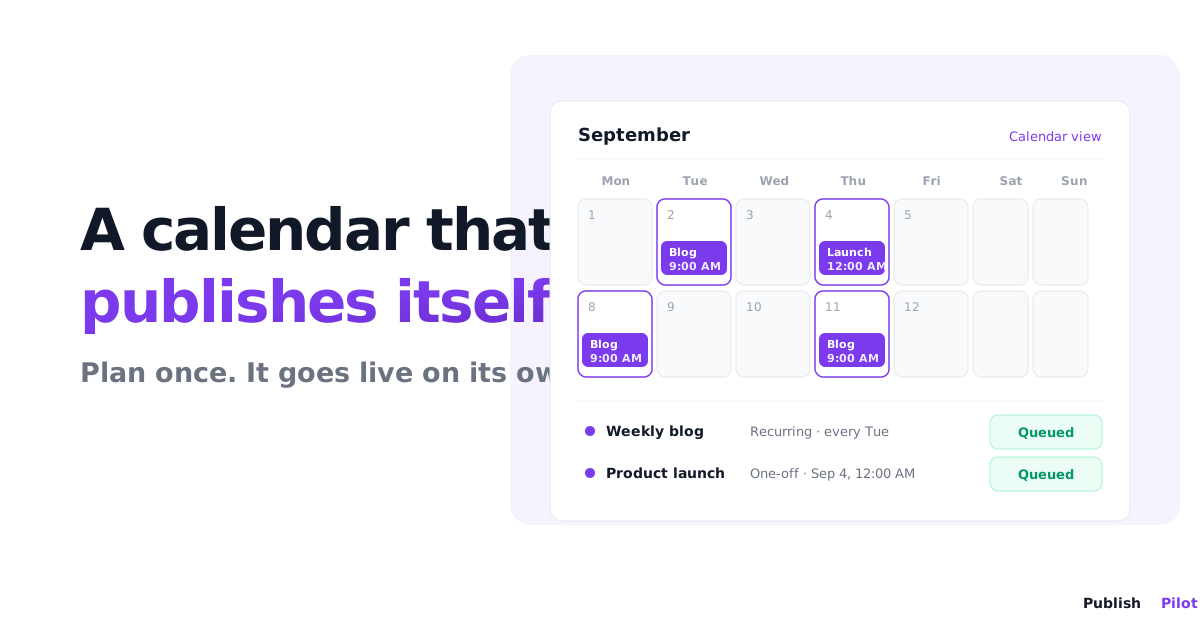
Publish Pilot repeats a publish on four cadences: daily, weekly, monthly, or custom.
Recurring needs a Pro plan or above. Free trials get it too; Starter does not.
Recurring is not supported for HTML element content. The API rejects it.
Every run counts as one execution. A daily schedule uses about 30 of your monthly executions.
You can set a Webflow publish to repeat daily, weekly, or monthly with Publish Pilot, instead of creating a new schedule every time. Webflow has no native recurring publishing of any kind.
If you publish on a rhythm, you already know the tax. A weekly newsletter archive, a daily deals page, a monthly report drop: each one is the same publish, over and over, and Webflow makes you set it up fresh each time. Miss a morning and the content sits stale.
This post covers what recurring publishing actually does, the four cadences you can pick, how each run counts against your plan, and what happens when a run fails.
What recurring publishing solves
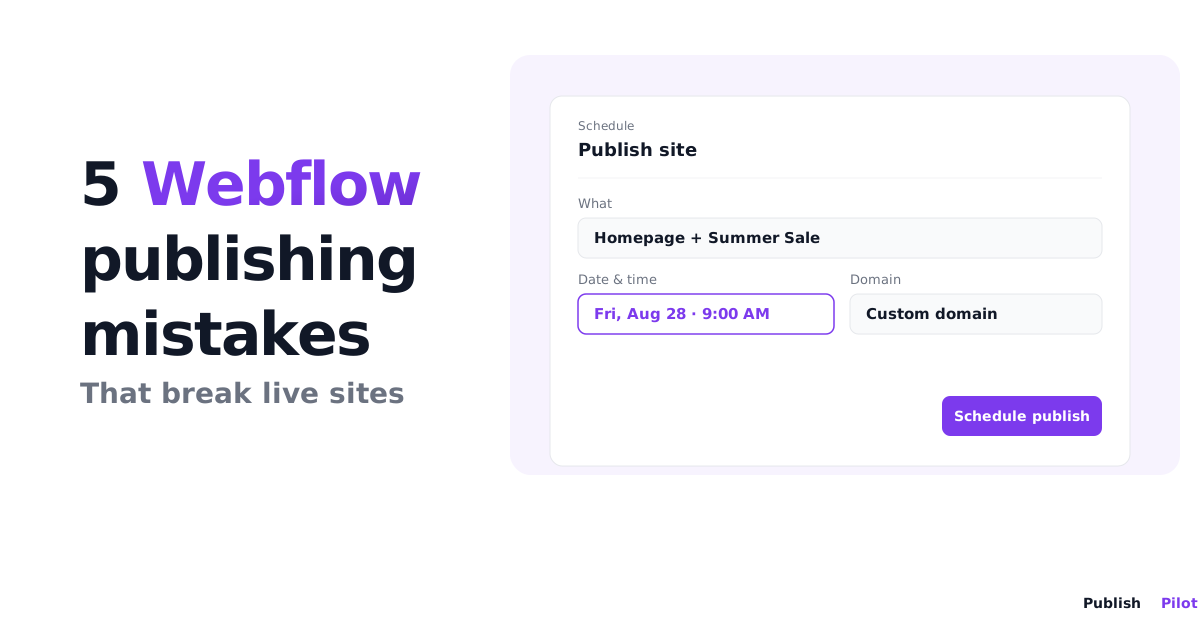
Webflow's own scheduling, where it exists, is one-and-done. You schedule a publish for a specific date and time, it fires once, and that is the end of it. For a deeper look at what Webflow can and cannot schedule natively, see Webflow's native publishing limits.
Recurring publishing flips that. You define the publish once and it repeats on a set interval. A few cases where that matters:
- A weekly newsletter archive: publish the new issue to your site every Monday without touching it.
- Daily deal or offer pages: refresh what is live each morning on a fixed schedule.
- Monthly report drops: push a report or changelog live on the first of every month.
The point is the same in each case. The work is identical week to week, so the setup should happen once, not every week.
The four cadences
Publish Pilot gives you four recurrence cadences. That is the full set, nothing hidden behind them.
| Cadence | What it does | Good for |
|---|---|---|
| Daily | Repeats every day | Daily deal pages, rotating banners |
| Weekly | Repeats on your chosen day each week | Newsletter archives, weekly roundups |
| Monthly | Repeats once a month | Reports, changelogs, monthly features |
| Custom | Repeats on an interval you define | Anything that does not fit the first three |
Setting one up is short: pick the cadence, pick the content to publish, and save. From then on it runs on that interval until you turn it off.
One thing recurring will not do
Recurring is not supported for HTML element content. If you try to attach a recurring schedule to an HTML element change, the request is rejected outright, you cannot save it.
Recurring works for CMS item publishing and for full site publishes. So a repeating "publish this collection every Monday" is fine. A repeating "inject this banner CSS every morning" is not; for that you would create single schedules for each time you need the change. Worth knowing before you plan a campaign around it, because the error only shows up once you try to save.
How runs count against your plan
This is the part most people want the real numbers on, so here they are.
Every run counts as one execution. A recurring schedule does not get a discount for repeating. If it fires 30 times this month, that is 30 executions off your monthly allowance.
The monthly execution limits by plan:
| Plan | Executions per month |
|---|---|
| Starter | 100 |
| Pro | 500 |
| Business | 1,200 |
Now the maths. A daily schedule fires roughly 30 times a month. On Pro, that is about 30 of your 500 executions, or 6 percent, for one daily schedule. You could run several daily schedules and still have room. A weekly schedule is about 4 runs a month, and a monthly one is a single run, so those barely register.
Where it adds up is volume. Ten daily schedules is about 300 executions a month, well over half the Pro allowance, and you would want Business for that. Count your cadences before you build them, and remember that any single, non-recurring schedules you also run come out of the same monthly pool.
What happens when a run fails
A recurring schedule runs unattended, so the honest question is what happens when one does not go through.
A failed run retries with exponential backoff. If the failure is transient, a brief Webflow API hiccup, the retry usually clears it without you doing anything.
Every attempt is recorded. The outcome lands in your audit log and in the run history for that schedule, so you can open either one and see exactly which run failed and why.
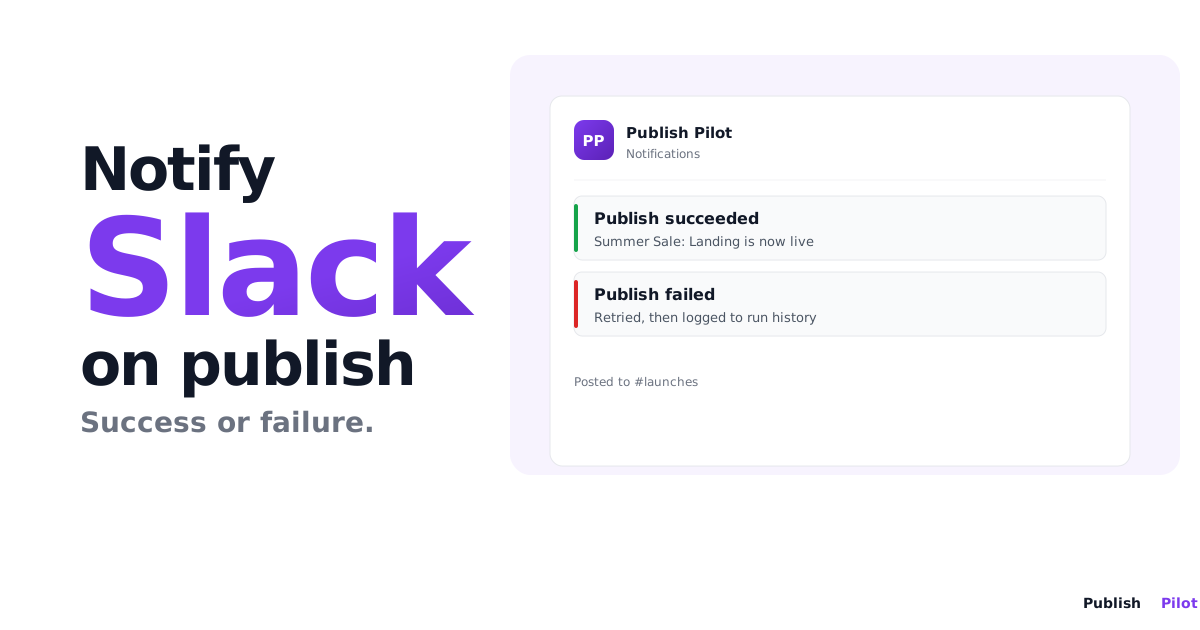
One thing to be clear about: there is no execution-result email. Publish Pilot will not email you when a run succeeds or fails. If you want to confirm a run went through, check the run history. Build that check into your routine rather than waiting for a notification that does not come.
Quick reference
| Question | Answer |
|---|---|
| Native Webflow recurring publishing? | None |
| Cadences | Daily, weekly, monthly, custom |
| Plan required | Pro or above; free trials included; not Starter |
| HTML element content | Not supported |
| Cost per run | One execution |
| On failure | Exponential backoff retry, logged to audit log and run history |
Summary
Webflow has no recurring publishing, so a repeating publish means either rebuilding a schedule every time or letting the content go stale. Publish Pilot repeats a publish on four cadences, daily, weekly, monthly, or custom, from a single setup. Recurring needs Pro or above, is not available for HTML element content, and every run counts as one execution against your monthly limit. When you publish on a rhythm, setting it up once instead of every week is the whole point.
Ready to stop rebuilding the same schedule every week? Start your free trial and set your first recurring Webflow publish in minutes.
Frequently asked questions
No. Webflow has no native recurring publishing of any kind. Its scheduled publish fires once at a set time, then it is done. To repeat a publish on a daily, weekly, or monthly cadence you need a tool like Publish Pilot.
Four cadences: daily, weekly, monthly, and custom. Pick the cadence, pick the content to publish, and it repeats on that interval until you turn it off. You set it up once instead of building a new schedule every time.
Yes. Recurring schedules require the Pro plan or above. All free-trial variants can use recurring too. The Starter plan cannot; a recurring schedule there is blocked.
No. Recurring is not supported for HTML element content. The request is rejected outright. Recurring works for CMS item publishing and full site publishes; for a repeating HTML element change you would create single schedules instead.
Every run is one execution. A daily schedule is about 30 executions a month. Plan limits are 100 on Starter, 500 on Pro, and 1,200 on Business per month, so a single daily schedule uses roughly 6 percent of the Pro allowance.
A failed run retries with exponential backoff, and the failure is written to your audit log and run history. There is no execution-result email; you check the run history for the outcome of any run.