On this page
TL;DR
A Webflow site publish is all-or-nothing: it ships every staged change, including work you did not mean to release.
Editing a live CMS item does not update it until you republish the item or the site.
Publishing only to the .webflow.io subdomain leaves the customer-facing custom domain untouched.
Manual takedowns fail when someone forgets, so expired offers stay live longer than they should.
Scheduling the publish and the takedown ahead of time removes the human timing error behind most of these mistakes.
Most Webflow publishing accidents come from the same few places: a site publish that shipped unfinished designer work, an edit to a live CMS item that was never republished, or a publish that only reached the staging subdomain. None of them are obvious until the site is already wrong.
The pattern is always the same. Publishing in Webflow feels like one button, but it covers several different actions, and each one fails in its own quiet way.
Here are the five Webflow publishing mistakes that break live sites most often, why each one happens, and how to keep it from happening again.
Mistake 1: Publishing half-finished designer work
What happens. You open the site to push one small copy fix, hit Publish, and a half-built section another designer left in the Designer goes live with it.
Why it happens. A Webflow site publish is all-or-nothing. It ships the entire current state of the site, not just your edit. Anything saved in the Designer since the last publish rides along.
How to avoid it. Before any site publish, check what else is staged and who has been in the project. Agree on a team rule: nobody leaves unfinished work saved on the main site. If a section is not ready, keep it as a draft or on a separate page. Understanding what a site publish pushes live versus a single CMS item is the fastest way to stop shipping work you did not mean to release.
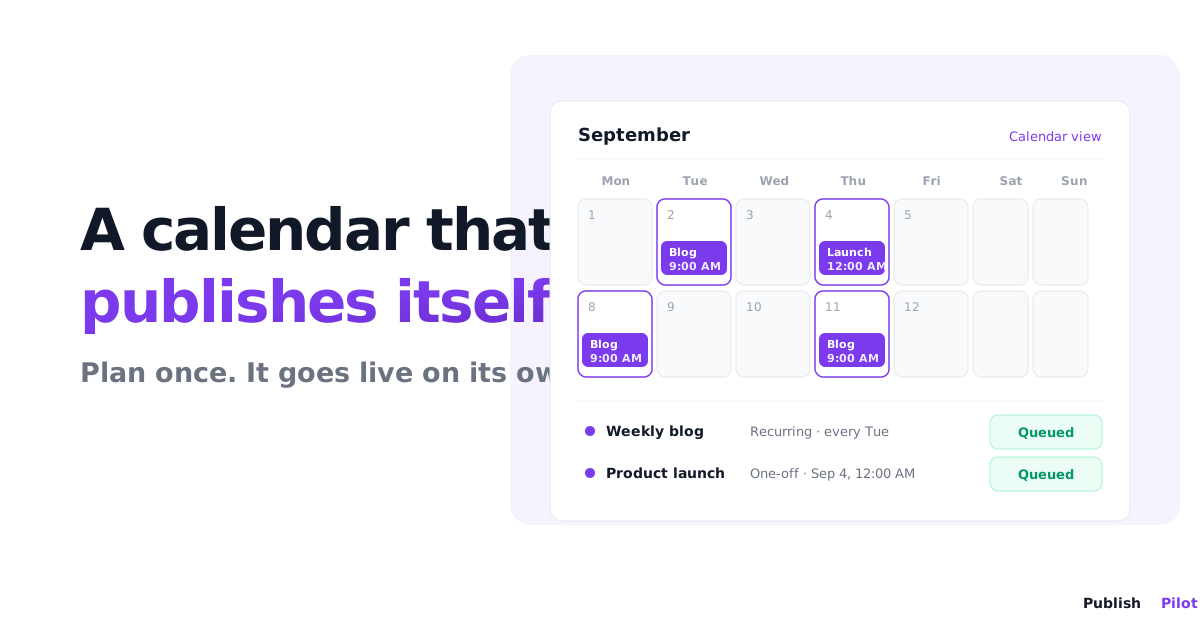
How scheduling helps. When the publish is scheduled ahead of time, there is a clear window to review exactly what will go out. With Publish Pilot you queue the publish for a set time, so the release is a decision made in advance, not a reflex click in the middle of an edit.
Mistake 2: Publishing only to the webflow.io subdomain
What happens. You publish, see the change on your .webflow.io address, and assume you are done. Customers on the real domain still see the old version.
Why it happens. Webflow lets you publish to the staging subdomain, the custom domain, or both. It is easy to leave the custom domain unchecked and push only to staging.
How to avoid it. Every time you publish, confirm the custom domain is selected, not just the subdomain. After publishing, load the live custom domain in a fresh tab to verify the change is actually there. Knowing where Webflow's native publishing stops helps you spot the gap before it reaches customers.
Mistake 3: Editing a live CMS item and never republishing it
What happens. You fix a typo in a live blog post or product, save it, and move on. The correction never appears on the site.
Why it happens. Editing a CMS item saves the change, but the live item does not update until you republish that item or publish the site. Saving and publishing are two separate steps.
How to avoid it. After editing any live CMS item, republish it explicitly. Build the republish into your edit routine so it is never a separate thing to remember. Our full walkthrough on scheduling a Webflow CMS item to publish automatically covers both the first publish and later republishes.
Mistake 4: Taking content down by hand, then forgetting
What happens. A sale ends, but the banner and the offer page are still live the next morning because nobody took them down at the right time.
Why it happens. Webflow has no native scheduled takedown. Removing content on time depends on a person being available and remembering to do it, often outside working hours.
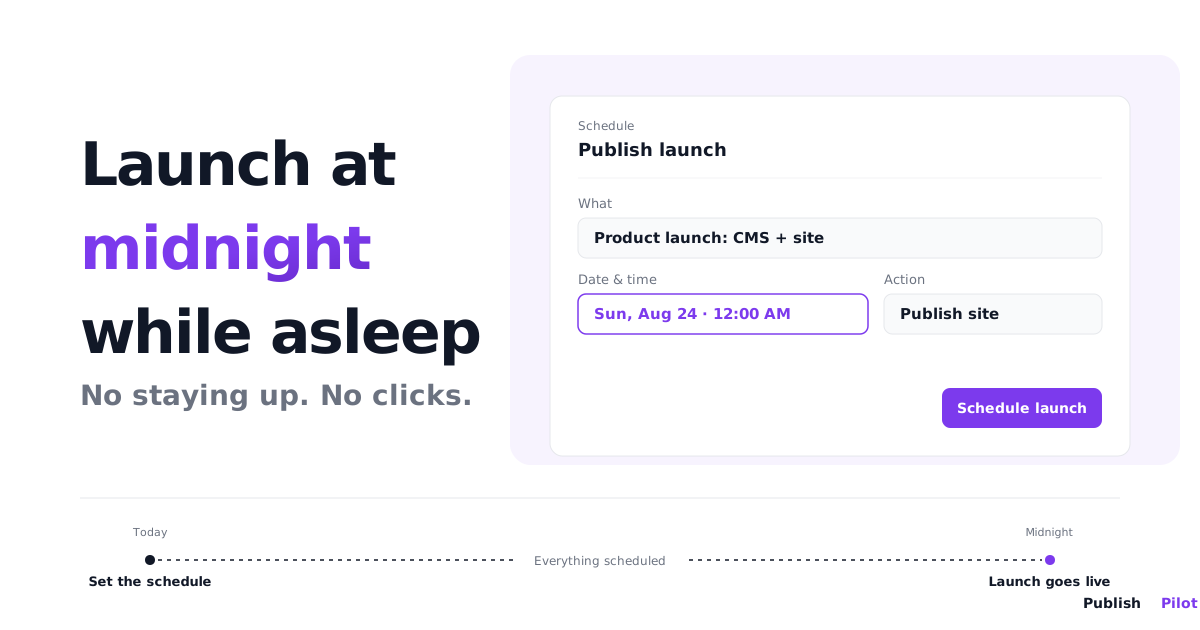
How to avoid it. Do not rely on memory for anything with a deadline. Decide the takedown time when you set the offer up, and schedule it then. Our guide on unpublishing a Webflow page at a specific time explains how draft and archive behave. Publish Pilot lets you set the end action at the same time as the start, so the offer goes live and comes down on its own.
Mistake 5: No record of who published what and when
What happens. Something breaks on the live site and nobody can say what changed, who changed it, or when. The whole team spends an hour reconstructing it.
Why it happens. With manual publishing spread across several people, there is no single trail of publish events. This gets worse the more sites and hands are involved.
How to avoid it. Route publishing through a process that records each release. If you manage several client Webflow sites, separating them by workspace keeps the trail clean per site. With Publish Pilot, every scheduled run is recorded as it started, completed, or failed, with timestamps and the error detail if something went wrong, plus a run history for each schedule. When a site breaks, you have a record to check instead of a guessing game.
Quick reference
| Mistake | What breaks | How to prevent it |
|---|---|---|
| Half-finished work published | Unfinished sections go live | Check what is staged before a site publish |
| Only the subdomain published | Custom domain never updates | Confirm the custom domain is selected |
| CMS edit not republished | Live item keeps the old value | Republish the item after every edit |
| Manual takedown forgotten | Expired content stays live | Schedule the takedown in advance |
| No publish record | No way to trace what changed | Route publishing through a logged process |
Summary
None of these Webflow publishing mistakes are exotic. They come from the same root cause: publishing is treated as one instant action when it is really several, and the timing is left to a person who is busy, tired, or elsewhere. Checking what is staged, confirming the domain, republishing after edits, and scheduling takedowns fix most of it. Scheduling the rest through Publish Pilot removes the timing risk entirely, so the publish and the takedown happen when you decided, not when someone remembers.
Ready to stop babysitting the publish button? Start your free trial and schedule your first Webflow publish in minutes.
Frequently asked questions
Most often the change was saved but never published, or it was published only to the .webflow.io staging subdomain and not the custom domain. Editing a CMS item also does not go live until you republish that item or the whole site.
Yes. A site publish is all-or-nothing. It pushes the entire current state of the site, including staged work from other people, not just your edit. Check what else is staged before you publish.
The .webflow.io subdomain is a staging address. Your custom domain is what customers see. If you publish to the subdomain only, the live domain never updates, so always confirm the custom domain is selected.
Webflow has no native scheduled takedown, so a manual unpublish relies on someone remembering. Scheduling the takedown in advance, with a tool like Publish Pilot, removes the reminder problem entirely.
Webflow itself keeps limited history. Routing publishes through a scheduling process that logs each run gives you a start, a completed or failed result, timestamps, and error detail, plus a run history per schedule to check when something breaks.