On this page
TL;DR
Give each client its own workspace, with its own members, roles, and plan, instead of putting every client under one shared login.
Roles are owner, admin, editor, and viewer. Invites are email-based with an expiry, so access maps to real people per client.
Site limits per plan: Starter 2, Pro 5, Business 12. A Business add-on adds 4 sites and 400 executions for $19/mo.
Member limits: Starter 5, Pro 15, Business unlimited. Recurring schedules need Pro or above.
Five clients don't fit on one Starter or Pro plan. Run one workspace per client, or put everyone in a single Business workspace.
Agencies running several client Webflow sites can give each client its own workspace, with its own members, roles, and plan. That keeps publishing access separated per client, instead of everything sitting under one shared login.
The alternative, one login that touches every client's Webflow site, is where the mistakes come from. Wrong site published, the wrong person with access to a client they no longer work with, no clean way to hand a client off.
This post covers how to manage multiple client Webflow sites cleanly: one workspace per client, who gets which role, and the honest plan maths for an agency with five clients.
The agency publishing problem
The work itself is fine. You finish a client's page, or their next blog post is ready, and it needs to go live at a set time. A launch at midnight. A weekly drop at 9am. A price change the moment a sale opens.
Multiply that by every client you run, and the pattern gets hard to hold. Different sites, different go-live times, different people who need to see what's scheduled. When it all sits under one shared login, three things tend to break:
- No separation. Anyone with the login can publish any client's site. A misclick publishes the wrong one.
- No clean access. A freelancer who helped one client still has the keys to all of them.
- No handoff. When a client leaves, there's no tidy boundary to close.
The fix isn't more discipline. It's structure: each client gets its own space.
One workspace per client
A workspace is a self-contained space for one client's sites, people, and schedules. Give each client their own, and the separation follows automatically.
- Sites stay contained. A workspace only sees the Webflow sites connected to it. There's no way to reach across into another client's site by accident.
- People are scoped to the client. You invite members into a specific workspace. Their access ends at its edge.
- Schedules and limits are per client. Each workspace has its own upcoming schedules and its own plan limits, so one busy client never eats into another's capacity.
Subscriptions are keyed per workspace, which means each client workspace carries its own plan. You size the plan to the client rather than buying one big plan and hoping it stretches.
Who can do what: roles and invites
Access inside a workspace is role-based. There are exactly four roles:
| Role | What they can do |
|---|---|
| Owner | Full control of the workspace, including its plan and removing the workspace |
| Admin | Manage members and schedules; run the day-to-day without touching billing |
| Editor | Create and edit schedules, but not manage the team |
| Viewer | Read-only. See what's scheduled without being able to change it |
That covers the real shape of an agency team. You're an owner or admin on every client workspace. A content manager who runs one client's calendar is an editor there. A client stakeholder who just wants to see what's queued gets viewer.
You add people by email invite. Invites are sent from invites@publishpilot.app and expire after a set window, so a link that leaks or goes unused doesn't stay live forever. Nobody shares a password, and removing someone is a matter of removing them from that one workspace.
What each client workspace costs
Plans differ by how many sites, members, and monthly executions they allow, and whether recurring schedules are available. An execution is a single scheduled action running, like one publish going live.
| Plan | Monthly | Sites | Members | Executions/mo | Recurring |
|---|---|---|---|---|---|
| Starter | $19 ($15 annual) | 2 | 5 | 100 | No |
| Pro | $39 ($29 annual) | 5 | 15 | 500 | Yes |
| Business | $79 ($65 annual) | 12 | Unlimited | 1,200 | Yes |
If a single client outgrows Business on sites, each Business add-on unit adds 4 more sites and 400 more executions for $19/mo ($15/mo billed annually).
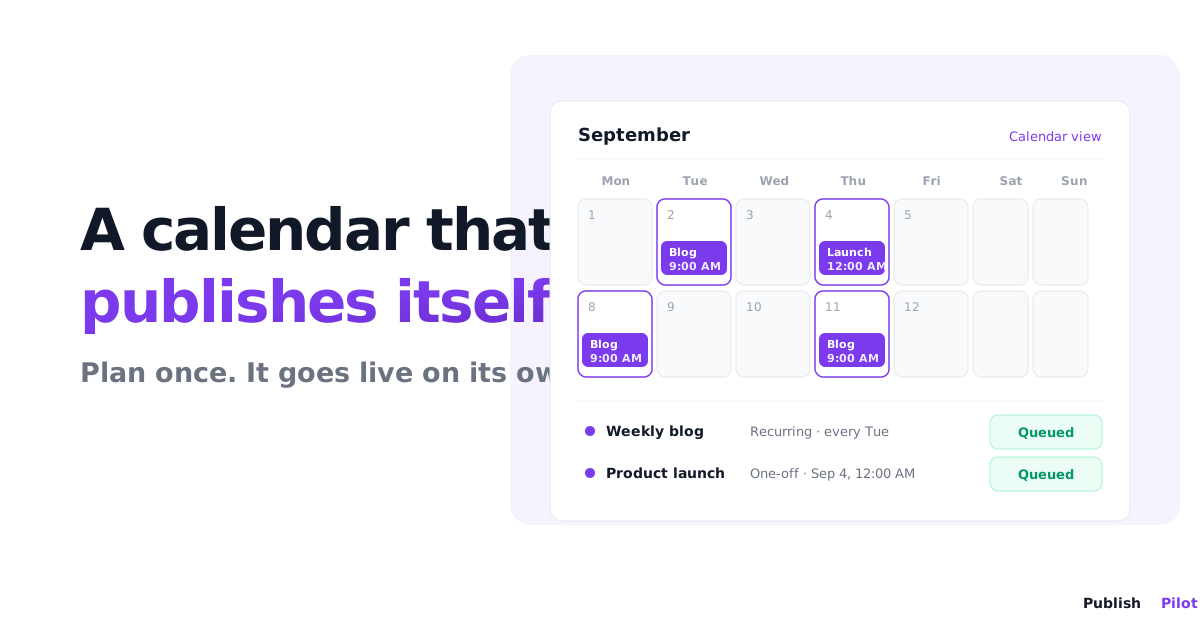
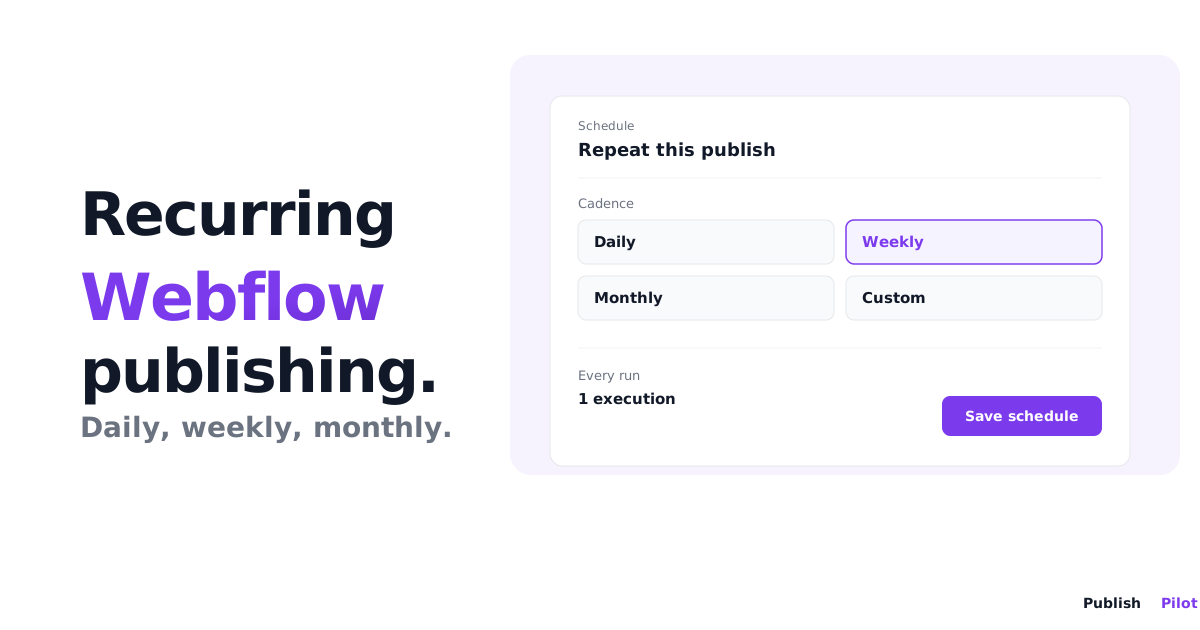
Two numbers decide most agency setups: sites and recurring. A typical client has one or two sites, which fits Starter. But recurring schedules, the ones that let you set "publish every Tuesday at 9am" once and leave it, require Pro or above. On Starter you can still schedule each publish, you just create them one at a time.
A worked example: an agency with five clients
Say you run five clients, each on a weekly content drop. Here's the honest maths, because five clients do not fit on a single Starter or Pro plan.
Five separate client sites is already past Starter's 2-site limit and sits right at Pro's 5-site limit with no room to grow. And cramming five clients into one plan throws away the separation that made workspaces worth it. So there are two real options:
- One workspace per client. Each client gets their own workspace on the plan that fits them. Clients who only need to schedule occasional publishes sit on Starter at $19/mo. Clients who want a standing weekly recurring drop go on Pro at $39/mo, since recurring needs Pro. Five clients on Pro is $195/mo, and every client is fully isolated with their own members and limits.
- One shared Business workspace. Put all five clients' sites in a single Business workspace at $79/mo. That's 12 sites of headroom, unlimited members, recurring included, and 1,200 executions. It's cheaper, but everything shares one space, so you trade per-client separation for a lower bill.
For weekly drops, the execution count is never the constraint. Five sites publishing once a week is around 20 executions a month, well inside even Starter's 100. The real questions are how isolated each client needs to be, and whether you want recurring schedules doing the work for you.
When one shared login stops working
Webflow has no native way to schedule a full-site publish, a republish, or a recurring drop, and it has no concept of per-client workspaces. So agencies end up with one shared Webflow login and a person manually publishing each client at the right minute. That's the setup that produces odd-hour publishing and the occasional wrong-site mistake.
Publish Pilot is where the workspace model above lives. You connect each client's Webflow site once, put it in that client's workspace, invite the right people at the right role, and schedule the publishes. Recurring schedules on Pro or above turn a weekly drop into a one-time setup. If you're still mapping out what Webflow can and can't schedule on its own, our post on Webflow's native scheduling limits covers exactly where the gaps are, and the CMS item scheduling guide shows how a single scheduled publish works before you scale it across clients.
Summary
Managing multiple client Webflow sites comes down to structure. One workspace per client keeps sites, people, and schedules separated, so nobody publishes the wrong client and access maps to real roles. Sizing is a two-plan decision: separate workspaces each on their own plan for maximum isolation, or a single Business workspace when a lower bill matters more than hard separation. With Publish Pilot, each client's publishing runs on a schedule instead of on someone being awake at the right minute.
Running Webflow sites for more than one client? Start your free trial and give each client their own workspace, their own schedule, and their own clean line of access.
Frequently asked questions
Give each client its own workspace, with its own members, roles, and plan. Publishing access stays separated per client, so nobody can accidentally publish the wrong client's site, and each client's schedules and limits are contained to their workspace.
Four: owner, admin, editor, and viewer. The owner controls the workspace and its plan, admins manage members and schedules, editors create and edit schedules, and viewers have read-only access.
Yes. Subscriptions are keyed per workspace, so each client workspace carries its own plan and its own limits for sites, members, and executions. You pick the plan that fits that client.
Starter covers 2 sites, Pro covers 5, and Business covers 12. Each Business add-on unit adds 4 more sites and 400 more executions for $19 per month, or $15 per month billed annually.
Invite them to their workspace by email. Invites are sent from invites@publishpilot.app and expire after a set window. Assign the role that matches what they should be able to do, from viewer up to admin.
Yes, with Publish Pilot on Pro or above. Recurring schedules run daily, weekly, or monthly and require a Pro or Business plan. On Starter you schedule each drop as a single one-off publish instead.